
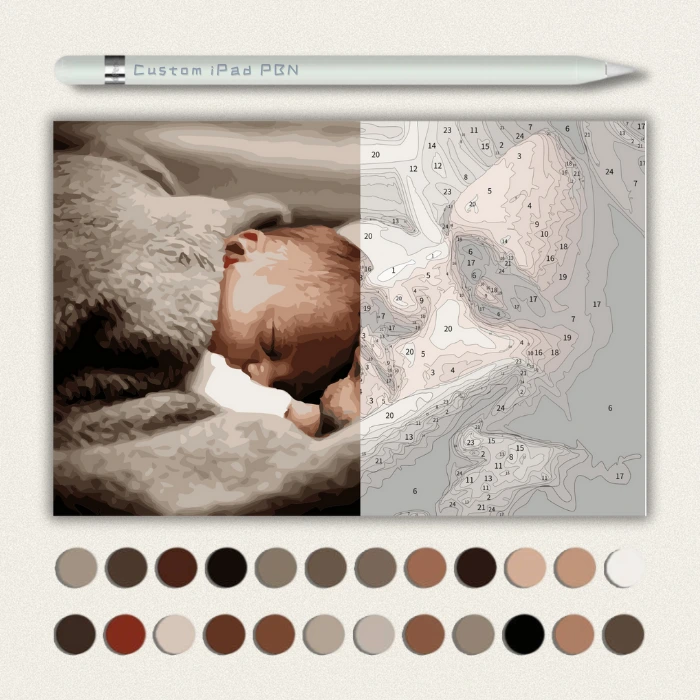
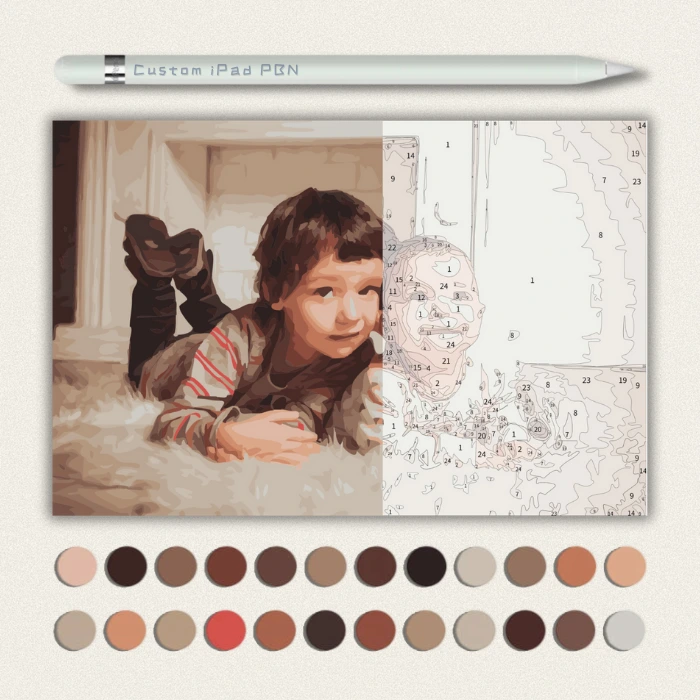



Description
Turn your favorite photo into a relaxing digital coloring masterpiece! 🎨📱
Love Paint by Numbers but hate the messy setup? Want to color on the go? Our Custom Digital Paint by Numbers Kit is designed specifically for iPad, Tablets, and digital art apps like Procreate, GoodNotes, and Photoshop.
✨ Why You’ll Love It:
-
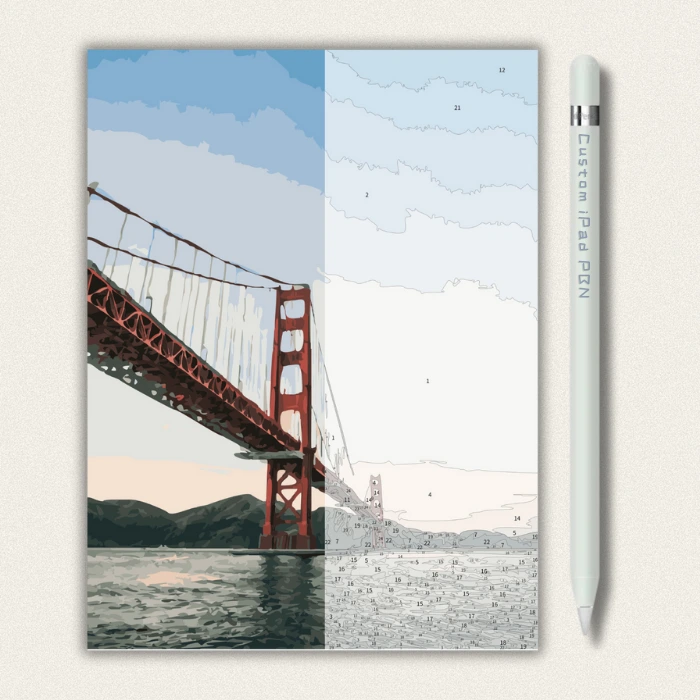
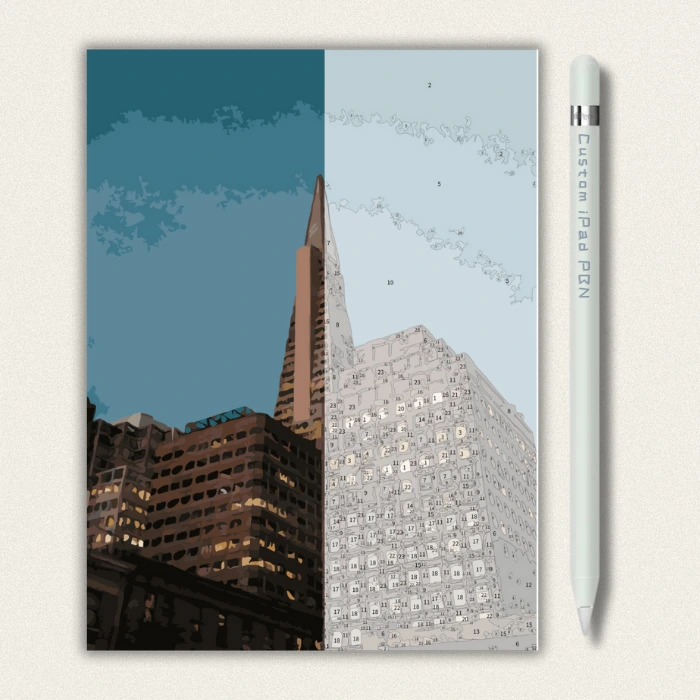
100% Custom: We don’t just run a filter. Our artists hand-draw your photo into our signature “Cozy Cartoon” style before converting it into a numbered guide.
-
Infinite Undo: Made a mistake? Just double-tap to undo. No wasted canvas!
-
Relax Anywhere: Color in bed, on the couch, or at a coffee shop. No water cups or paint pots required.
-
Reusable: You can color your custom portrait as many times as you want with different color palettes.
🛠️ How It Works:
-
Upload: Send us a photo of your pet, friend, or favorite memory.
-
Creation: We hand-draw the digital line art and create a custom color palette key.
-
Download: Receive your high-quality files via email (usually within 2-4 days).
-
Color: Import the files into your favorite app (Procreate, etc.) and start relaxing!
📂 What You Will Receive (ZIP File):
-
1x High-Res Reference Image: The finished color artwork for guidance.
-
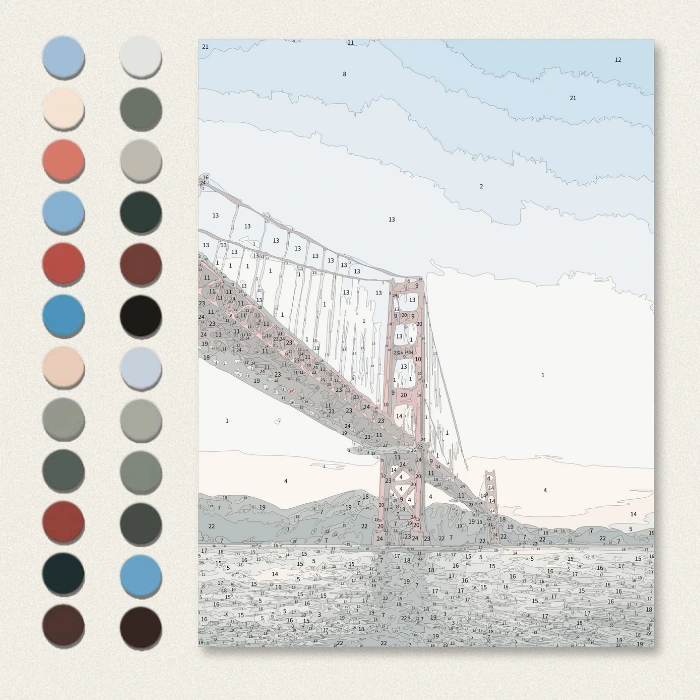
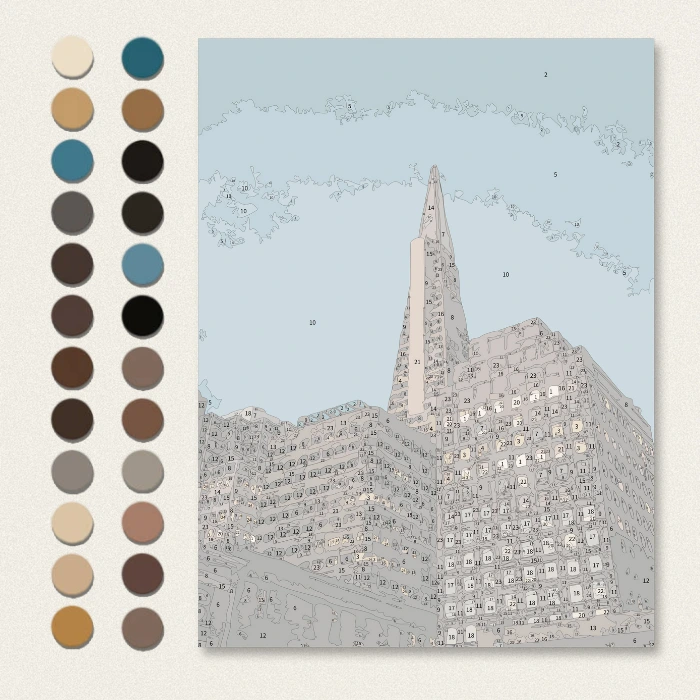
1x Numbered Guide Layer: Transparent PNG or JPG with numbers.
-
1x Line Art Layer: Clean lines without numbers (for when you finish).
-
1x Custom Color Palette: A visual key with the exact colors used in the design.
⚠️ Please Note:
-
This is a DIGITAL PRODUCT only. No physical canvas or paints will be shipped.
-
You need a tablet (iPad/Android) and a drawing app (Procreate is recommended) to use this product.