
Introduction
As an enthusiast of paint-by-numbers kits, I had a lingering question: before actually purchasing a custom kit, I wasn’t entirely sure which types of images would translate best into a paint-by-numbers style. Consequently, I scoured Google to find several online platforms capable of performing this conversion—and now, I’m here to share my review of them with you all.
I searched on Google for “convert photo to paint by number online free” and discovered these online tools for converting photos into paint-by-number kits:
- https://pbnify.com
- https://imgpbn.com
- https://www.davincified.com/paint-by-numbers-online-generator
- https://www.paintmelike.co/pages/paint-by-number-generator
Let’s put these four tool websites to the test and see which one is the most practical to use.
I will use two images for the conversion test: one vertical (portrait) and one horizontal (landscape).
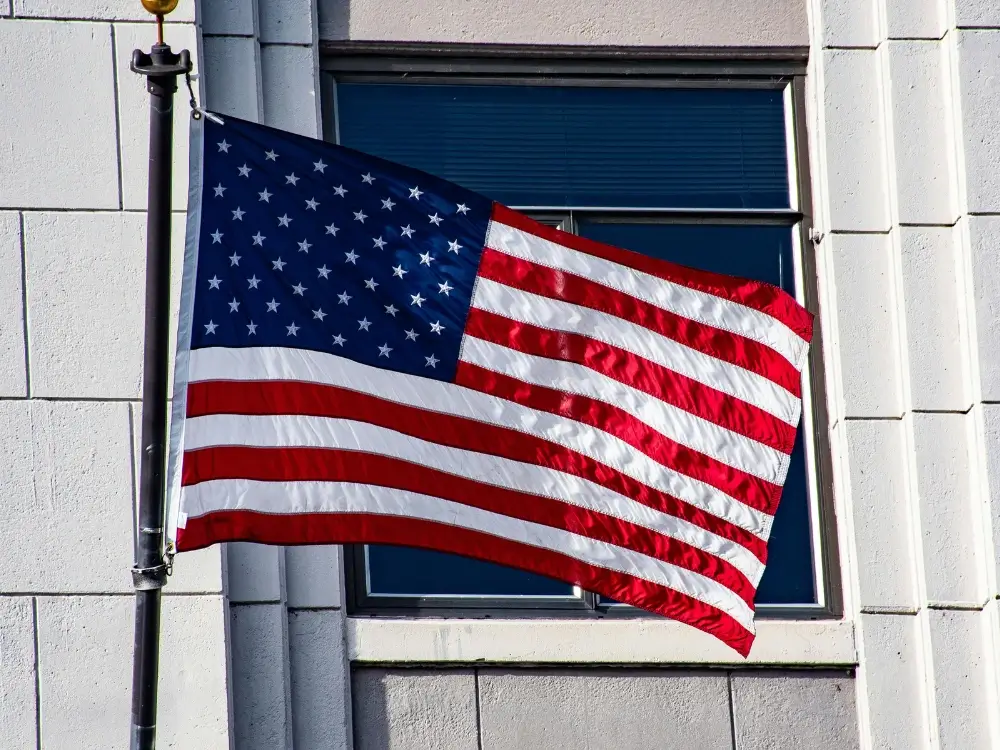
The image assets are sourced from Pexels; I have selected the following two images to serve as conversion test images.

PBNify
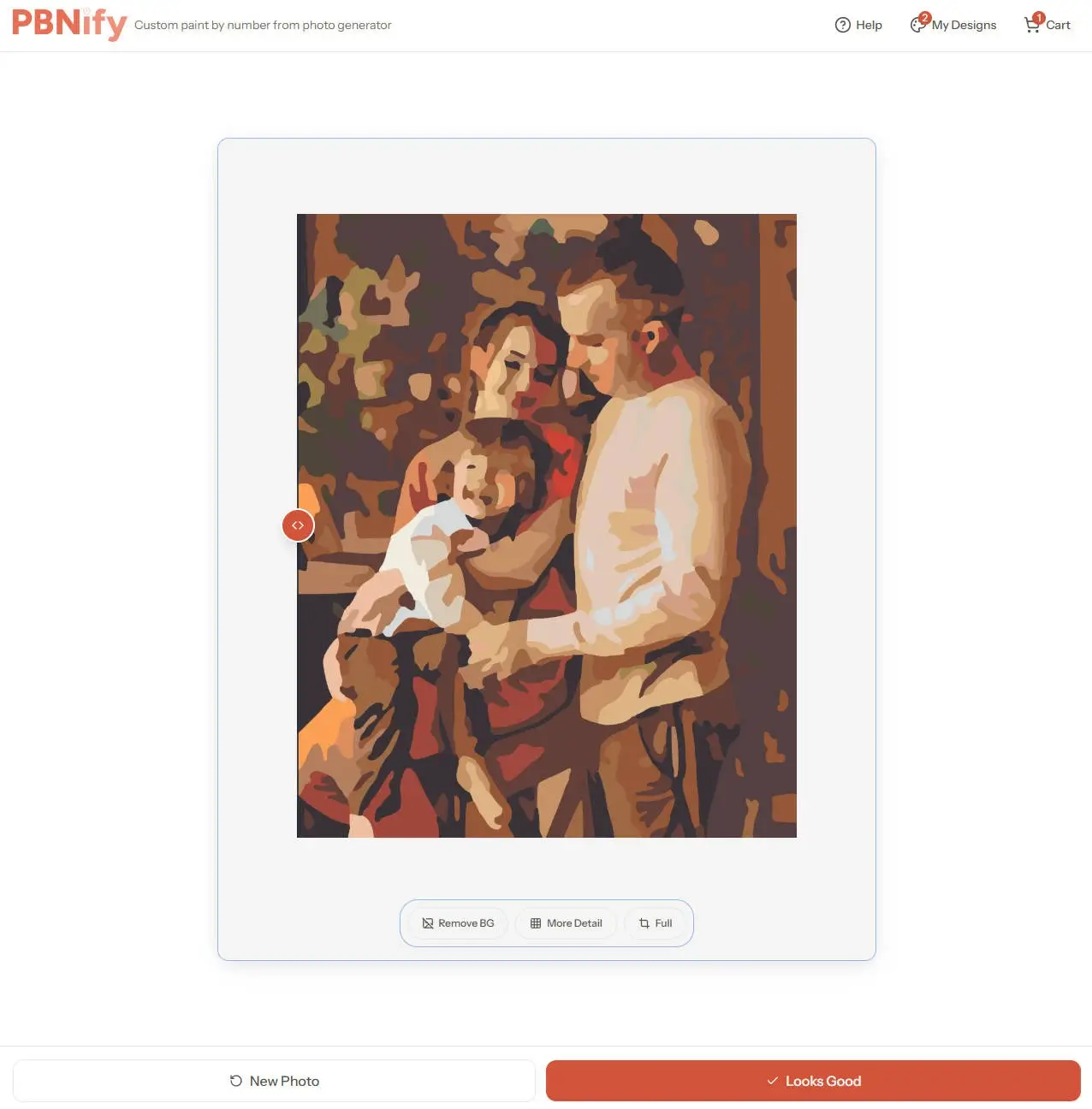
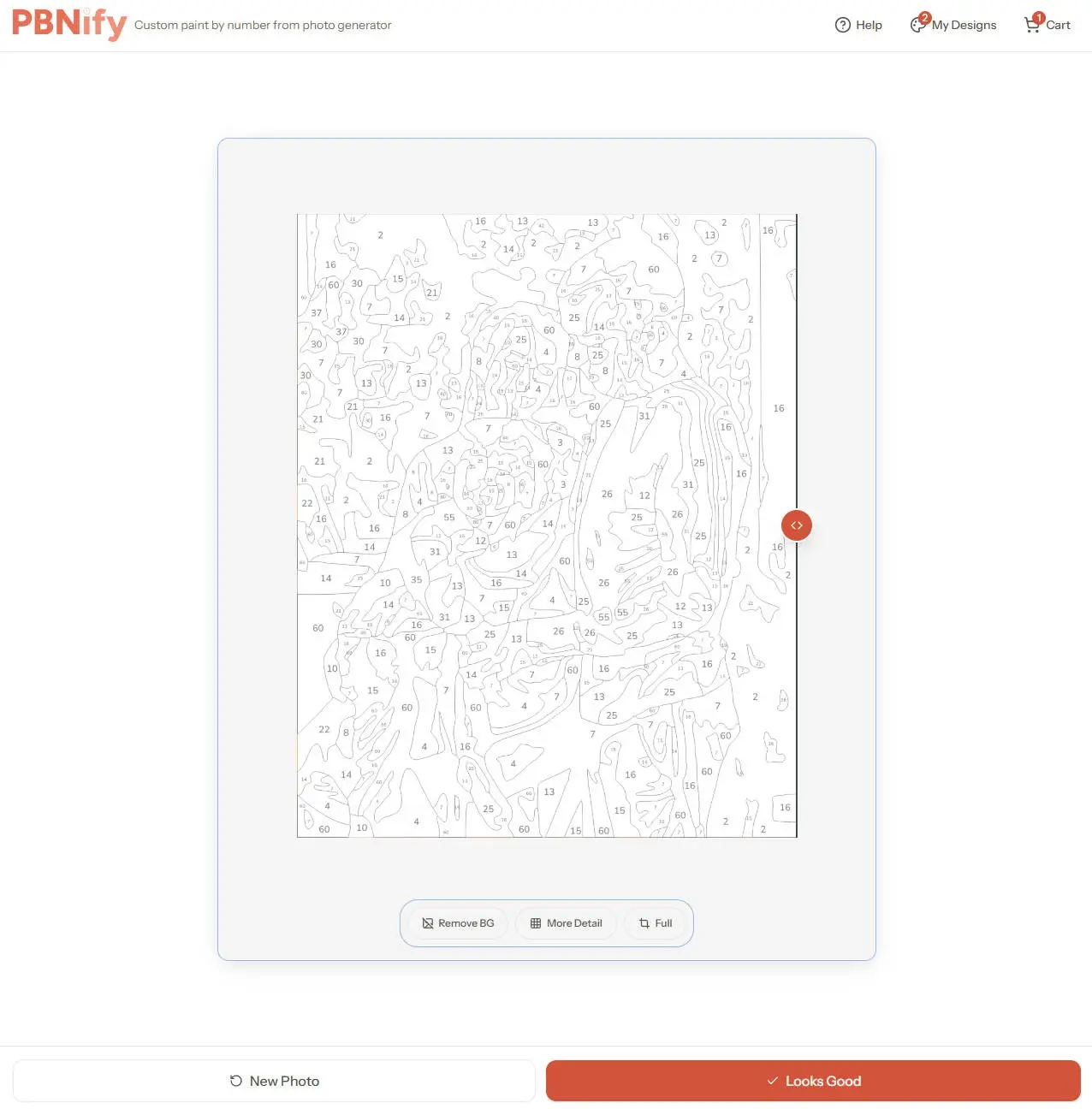
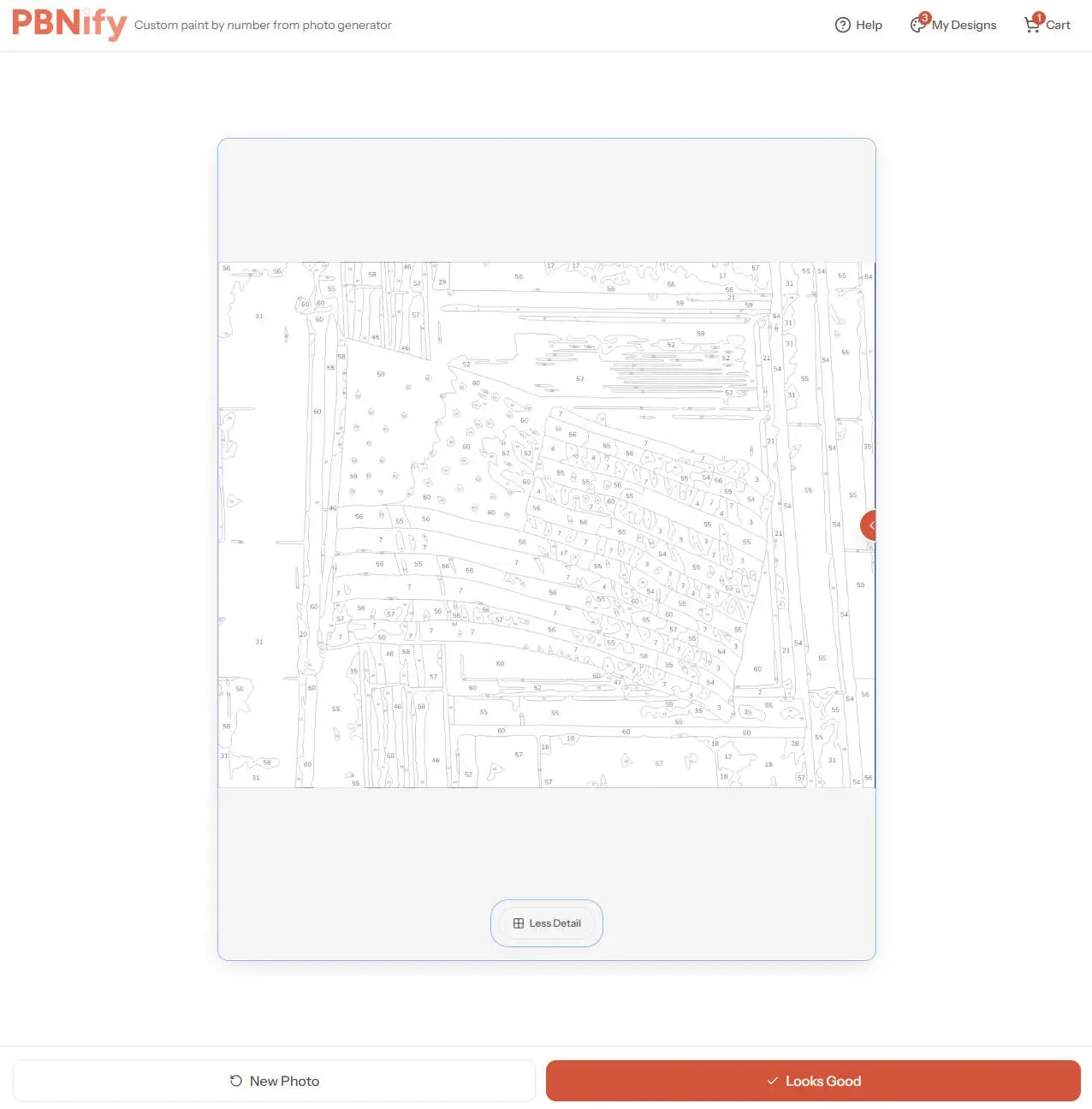
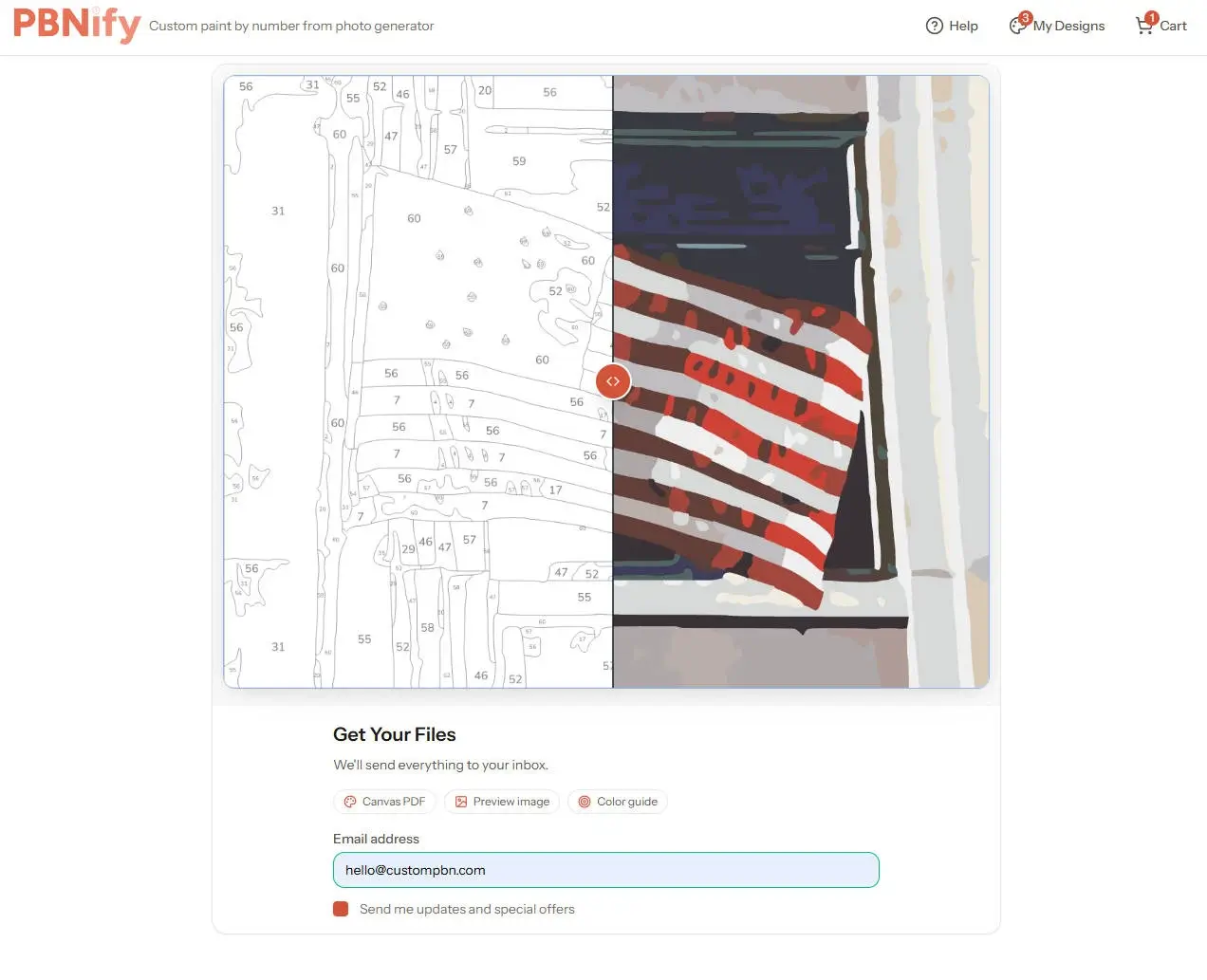
PBNify converts images quite quickly—a single image takes roughly 10 seconds to complete. However, while there are difficulty settings available, the tool doesn’t display the exact number of colors used; this is perhaps its only minor drawback. Additionally, once the conversion is finished, you are required to enter your email address to receive the downloadable image.
ImgPBN
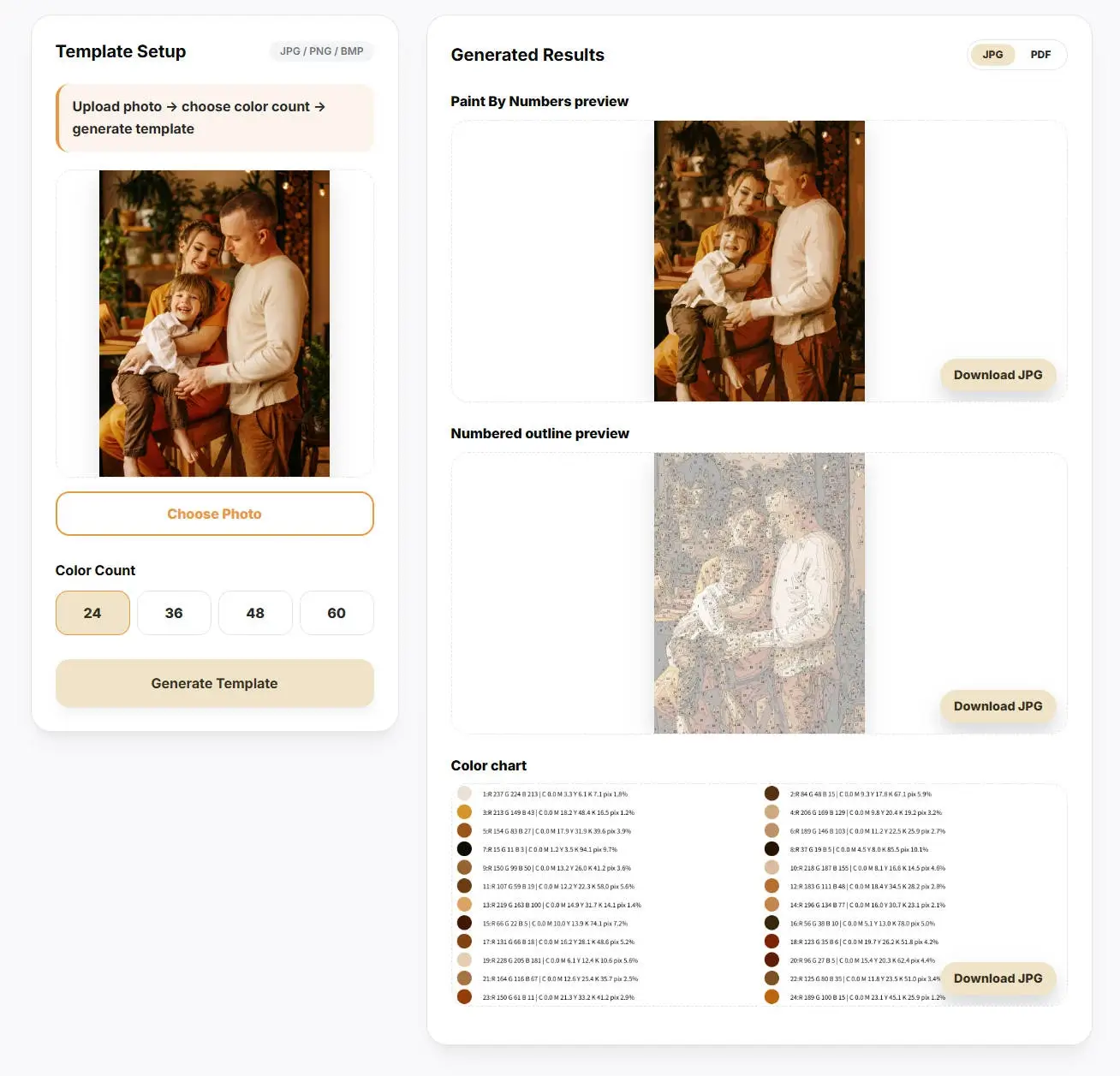
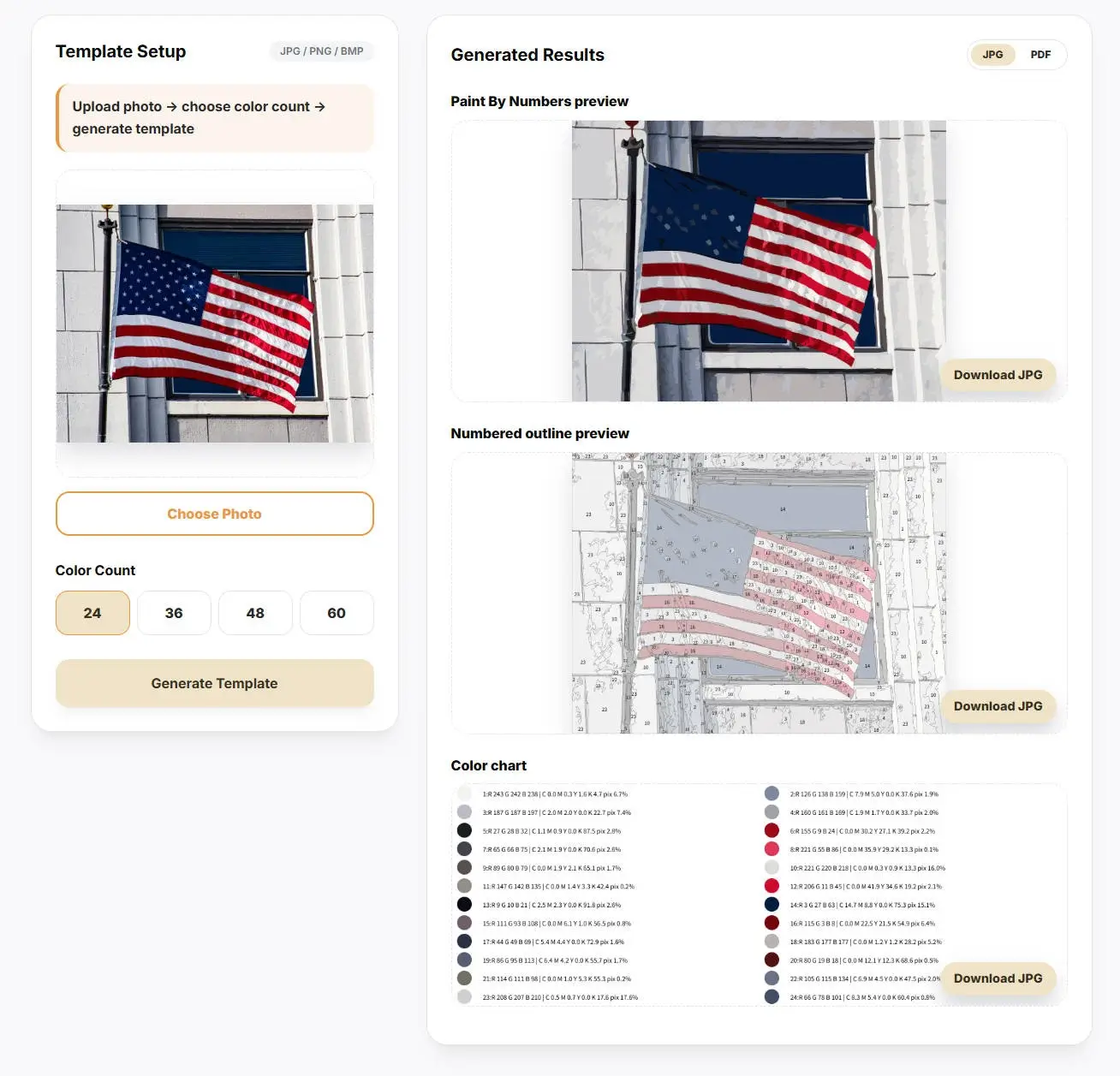
Upon our initial visit to the tool’s website, we noticed a brief tagline alongside ImgPBN: “10 Free Uses.” Once you have exhausted these 10 conversions, you can continue using the tool—with unlimited access—simply by entering your email address; no verification codes or formal registration are required.
Remarkably, ImgPBN’s color analysis feature provides comprehensive color coding and percentage breakdowns. Furthermore, the conversion process is remarkably fast, taking only about five seconds to complete.
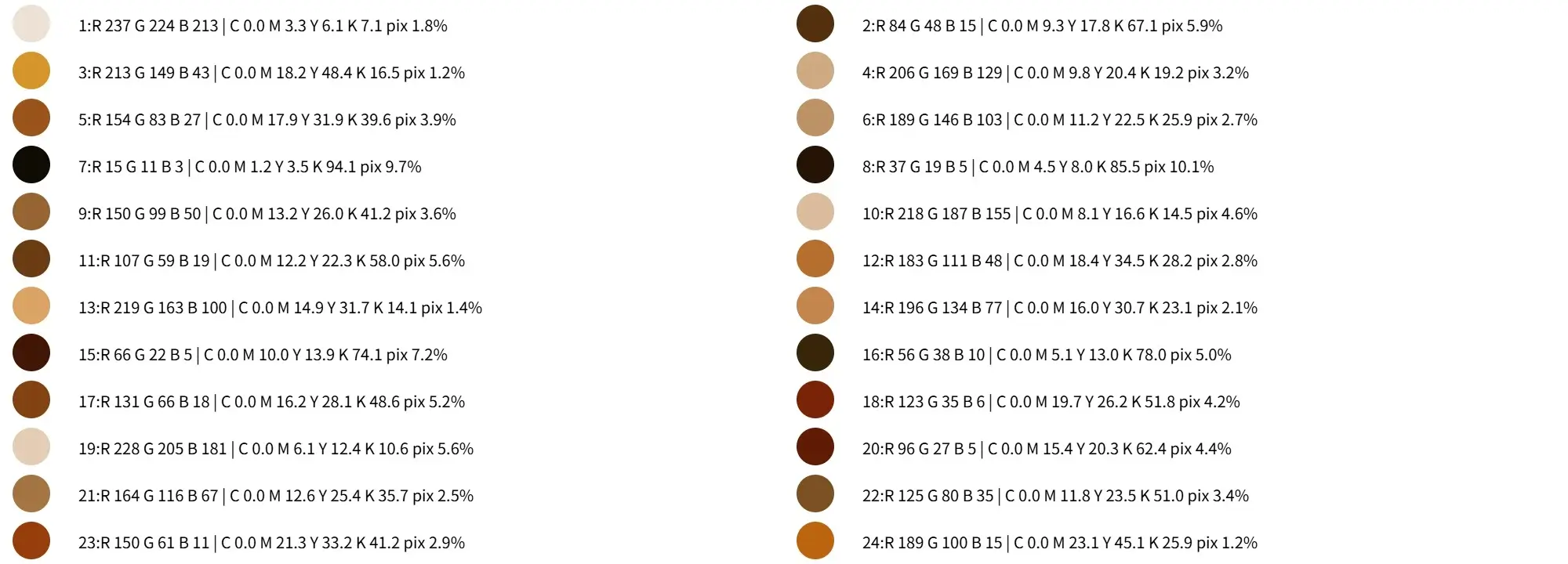
ImgPBN also offers downloads in two additional formats; simply clicking the download button allows you to save the files directly to your local device, eliminating the need to enter an email address to retrieve them—unlike with pbnify.
Davincified
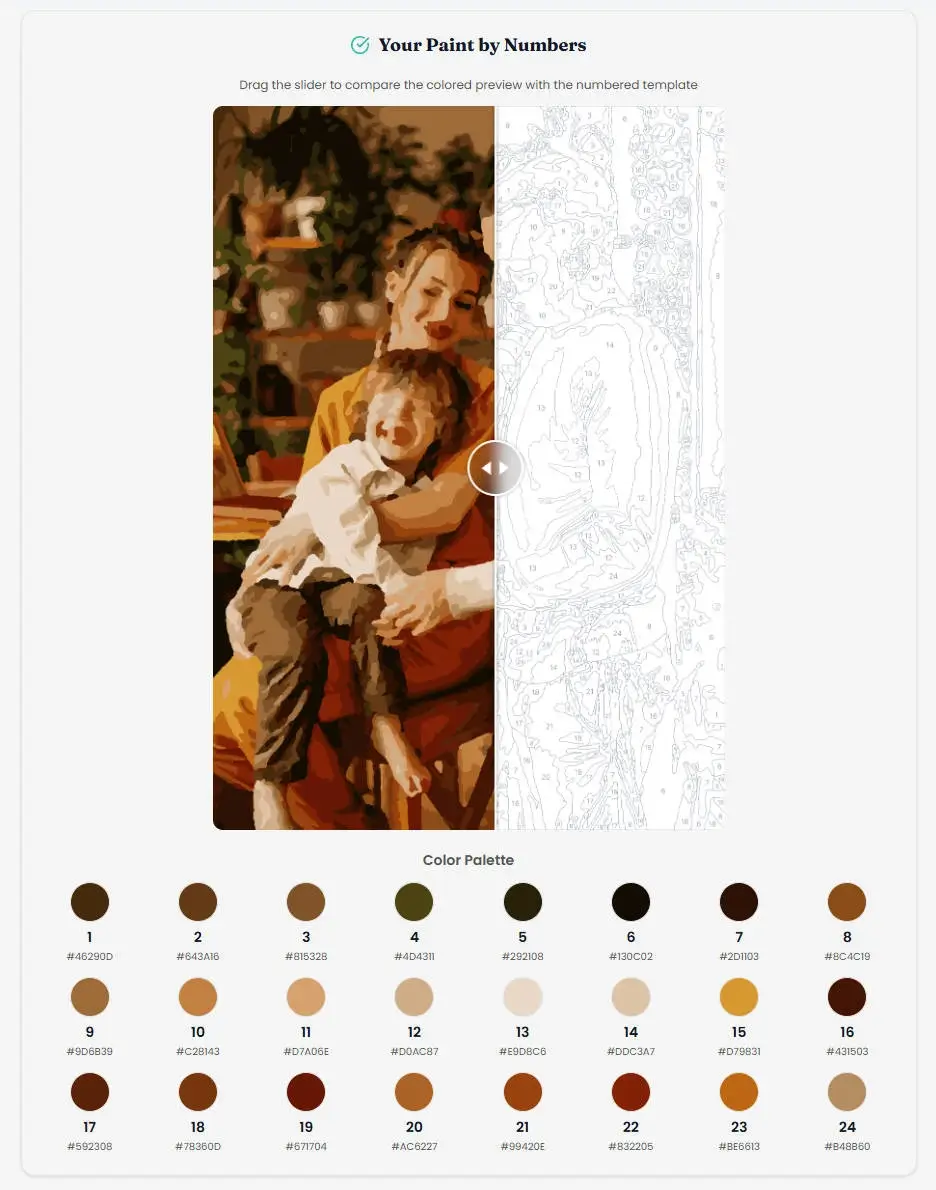
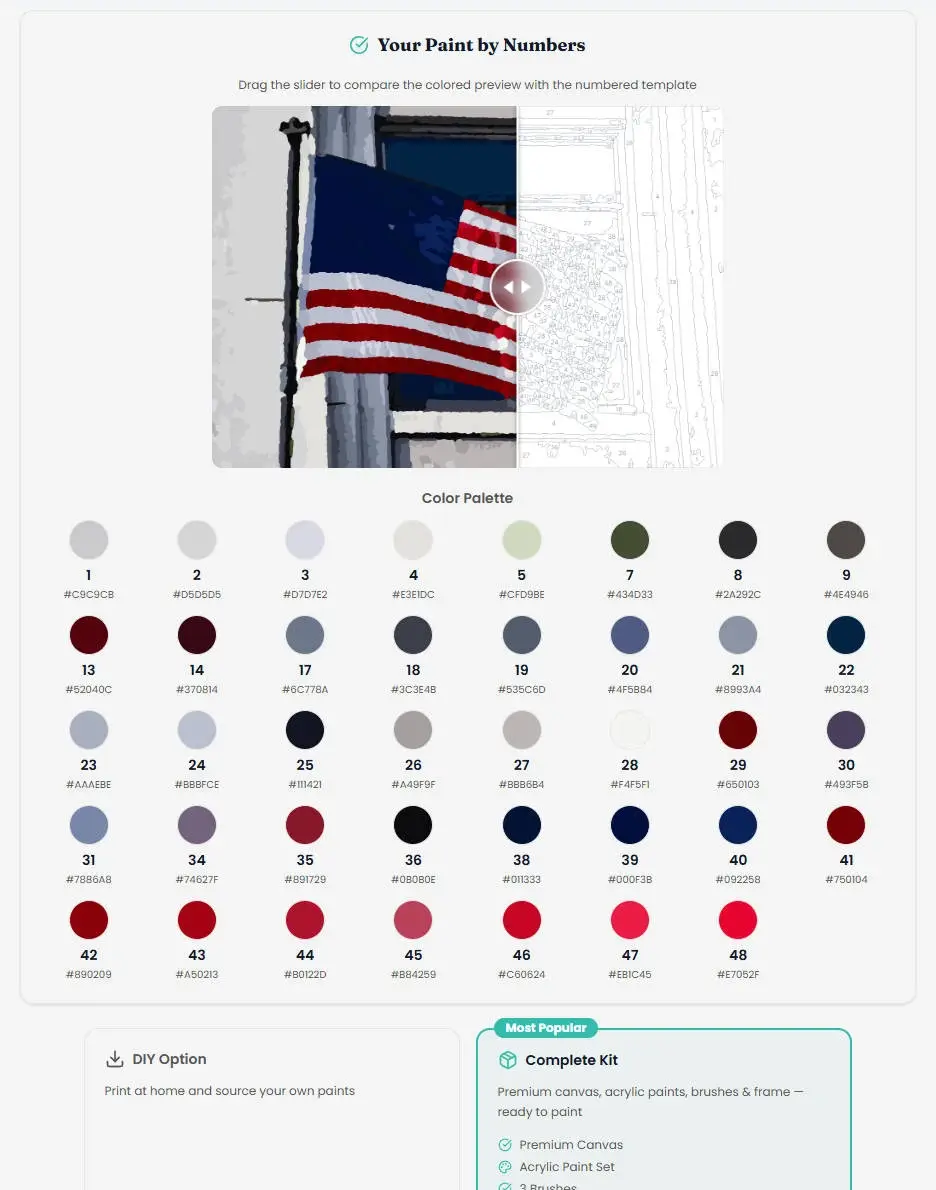
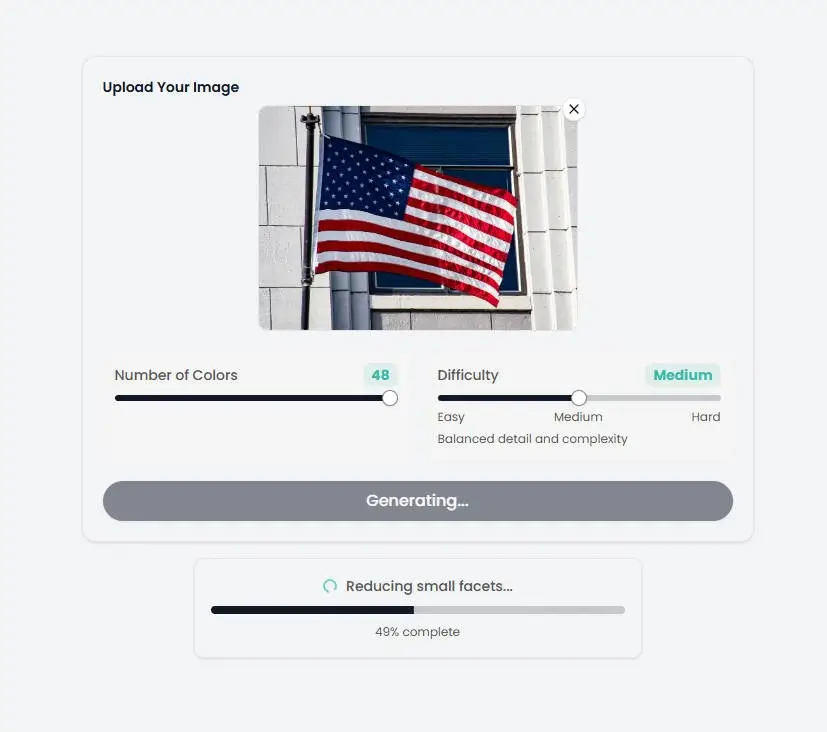
We can see that Davincified’s online conversion tool supports a maximum of only 48 colors. Additionally, while they offer difficulty level options, I discovered that the PDF download contains only two line art templates and color charts—it does not include a preview image of the final digital painting effect.
Just like imgpbn, you can download them directly to your local device.
Paintmelike
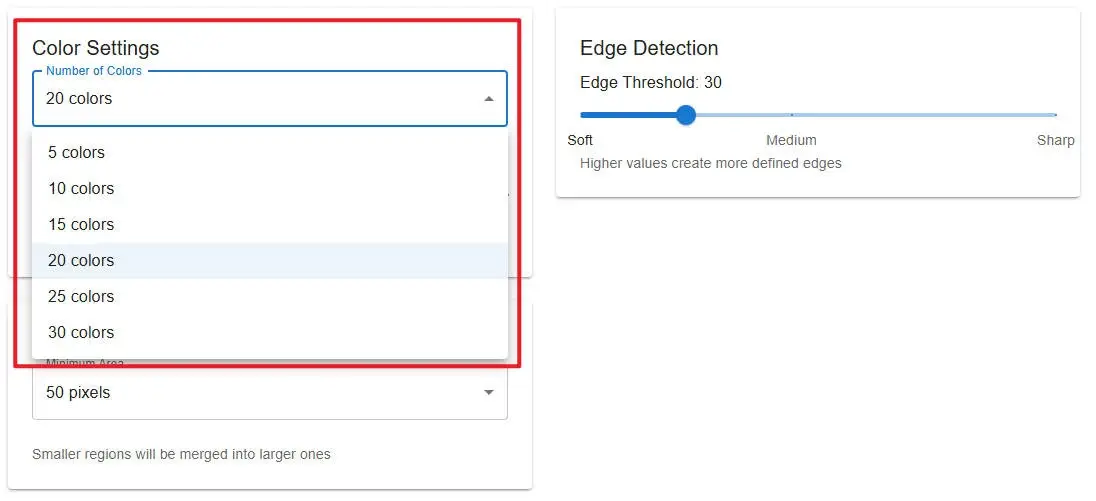
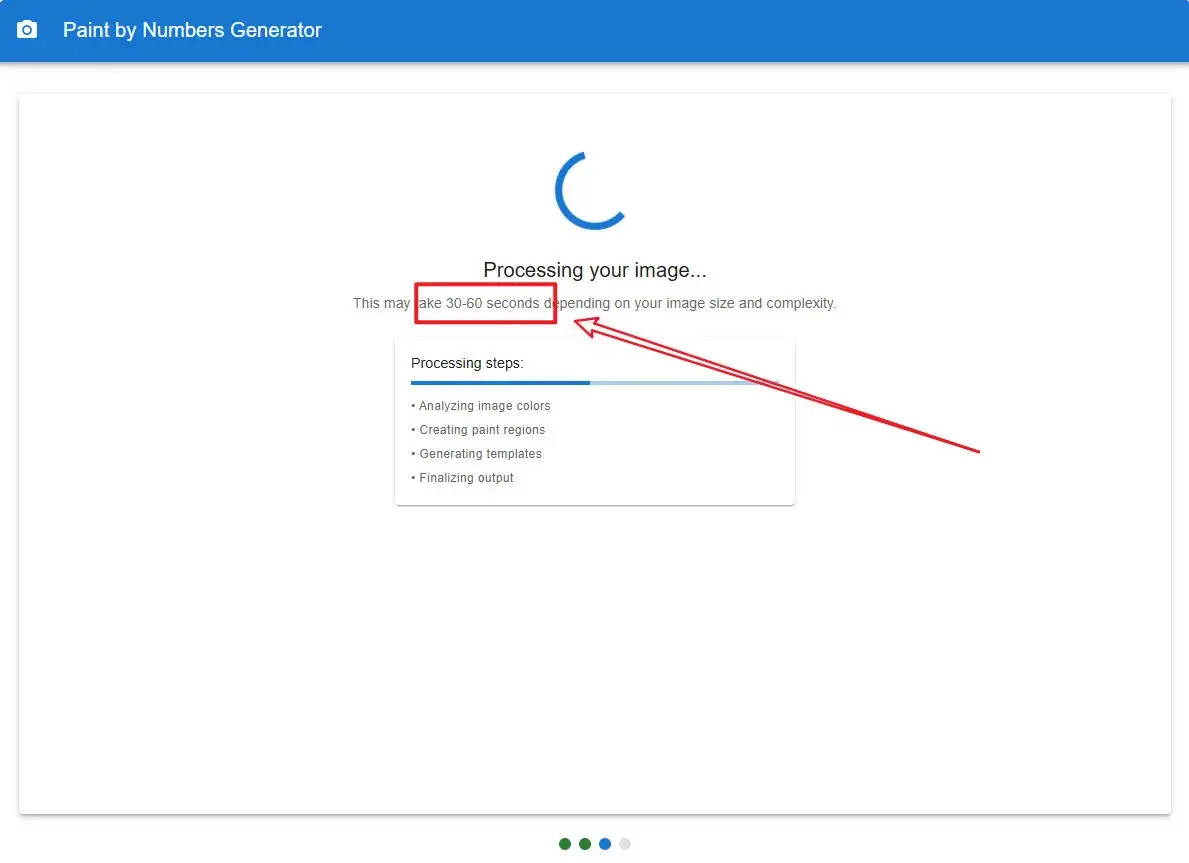
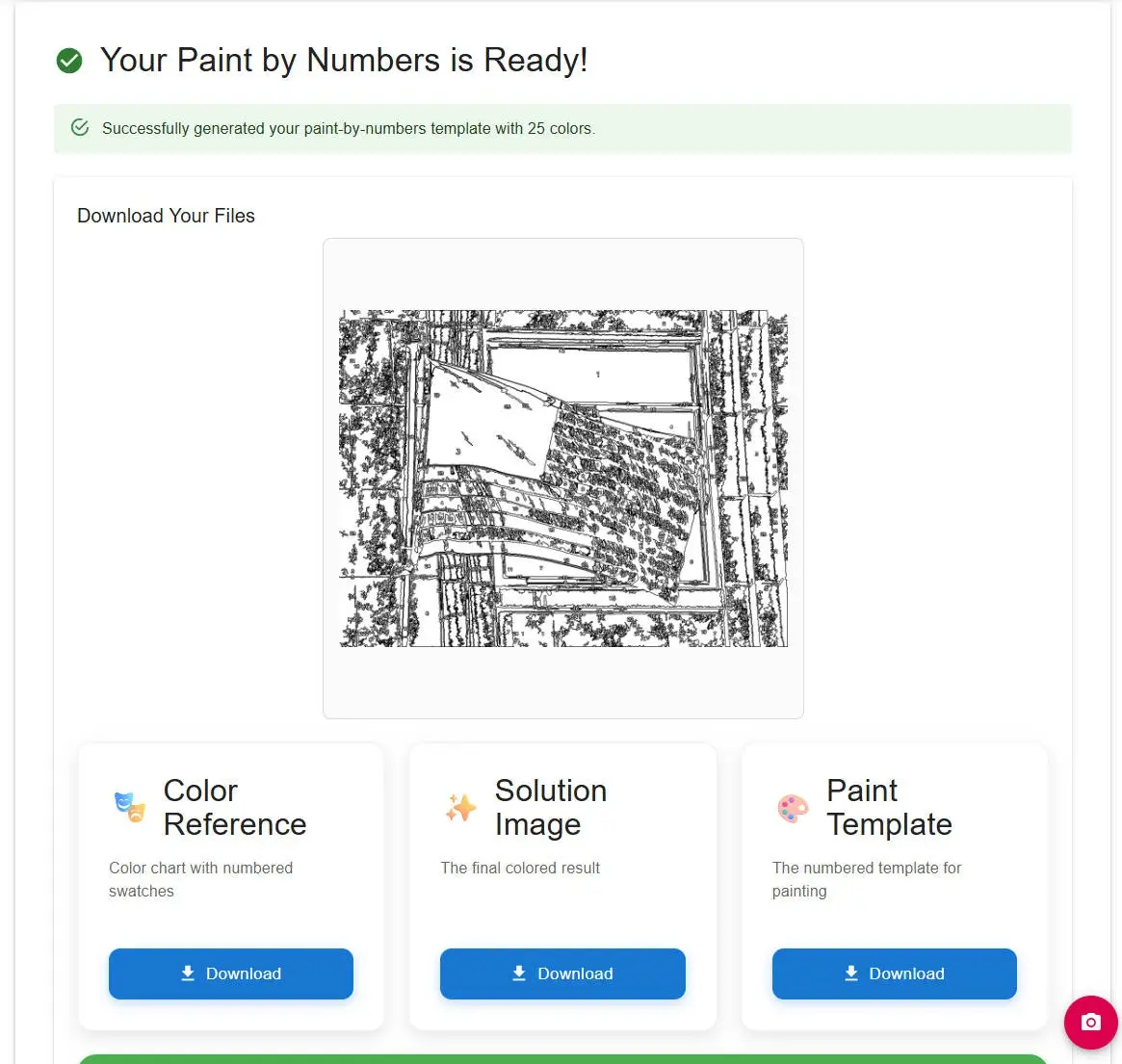
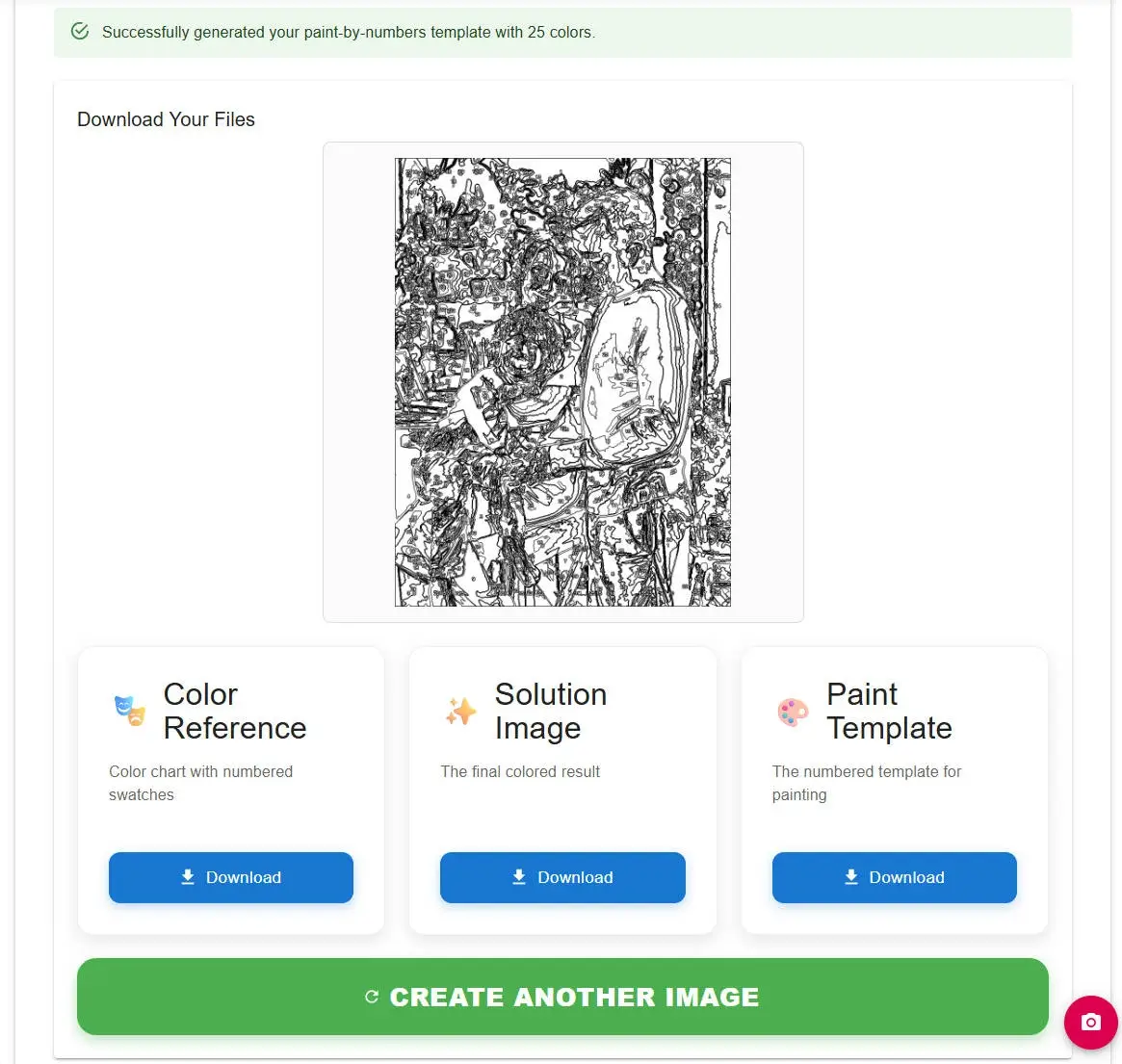
As we can see, after uploading an image to this tool, there is a wide array of parameters to choose from—including Blur Amount, Edge Detection, and Region Settings. Ironically, this actually complicates the image conversion process. When I attempted a conversion using the default settings, I had to wait approximately 30 to 40 seconds for it to complete; yet, the result was abysmal—the output was a dense, cluttered mess that was completely illegible.
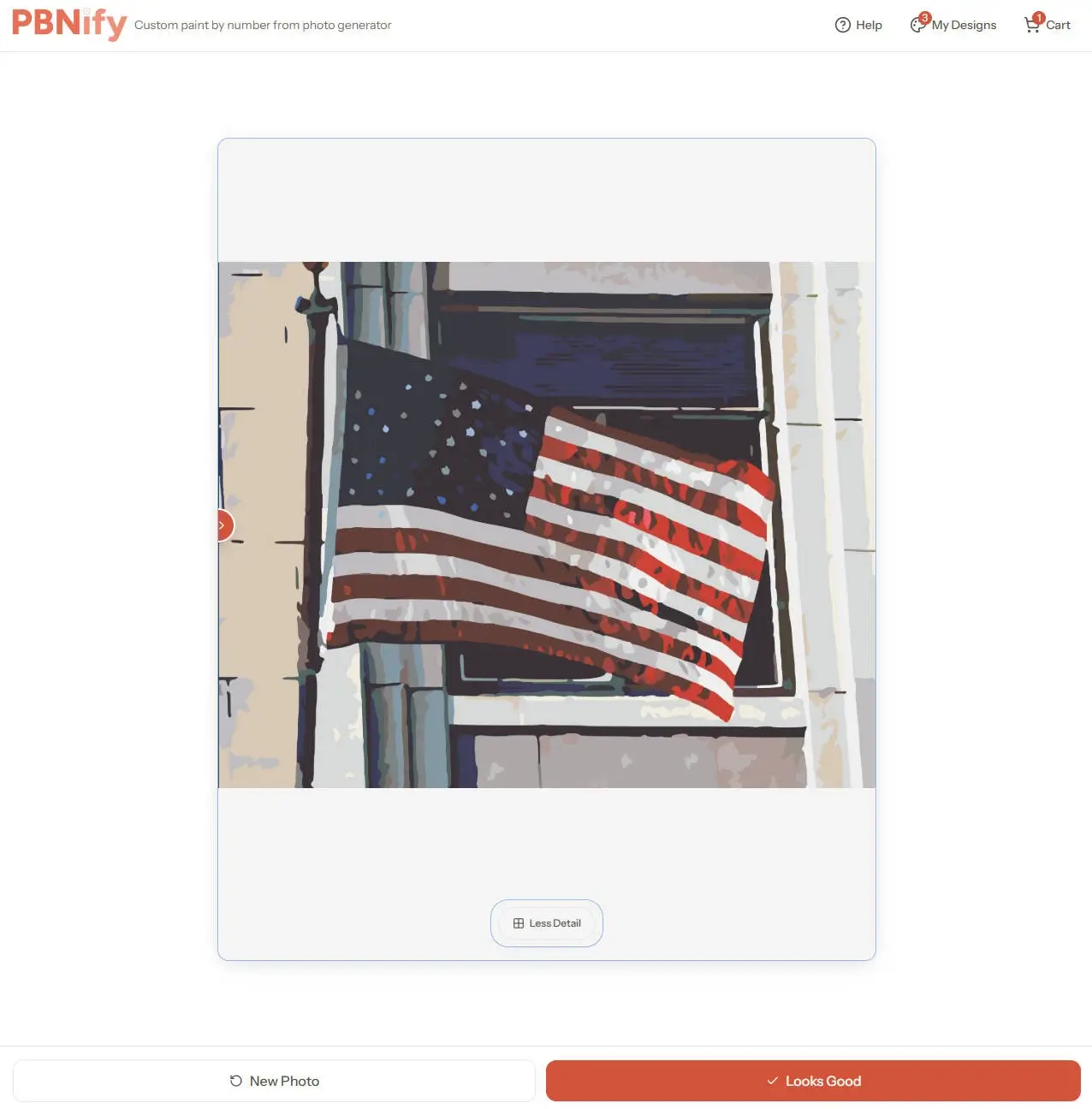
So, let’s upload an image of the American flag now, then lower all the parameters to their minimum values to see how the conversion turns out.
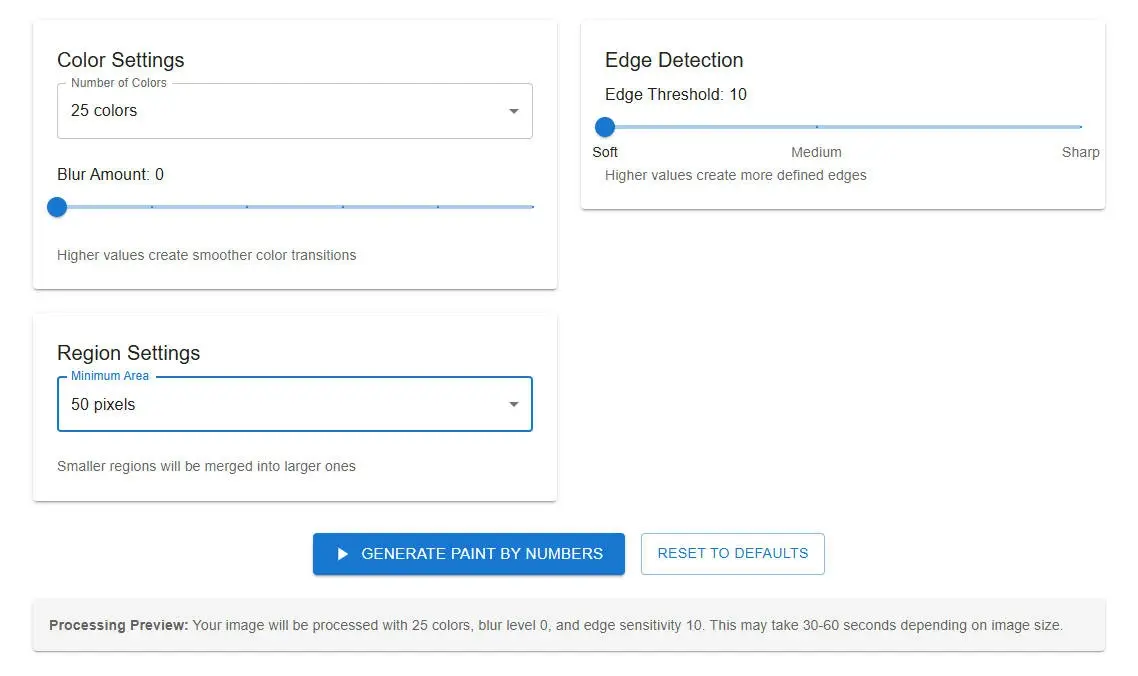
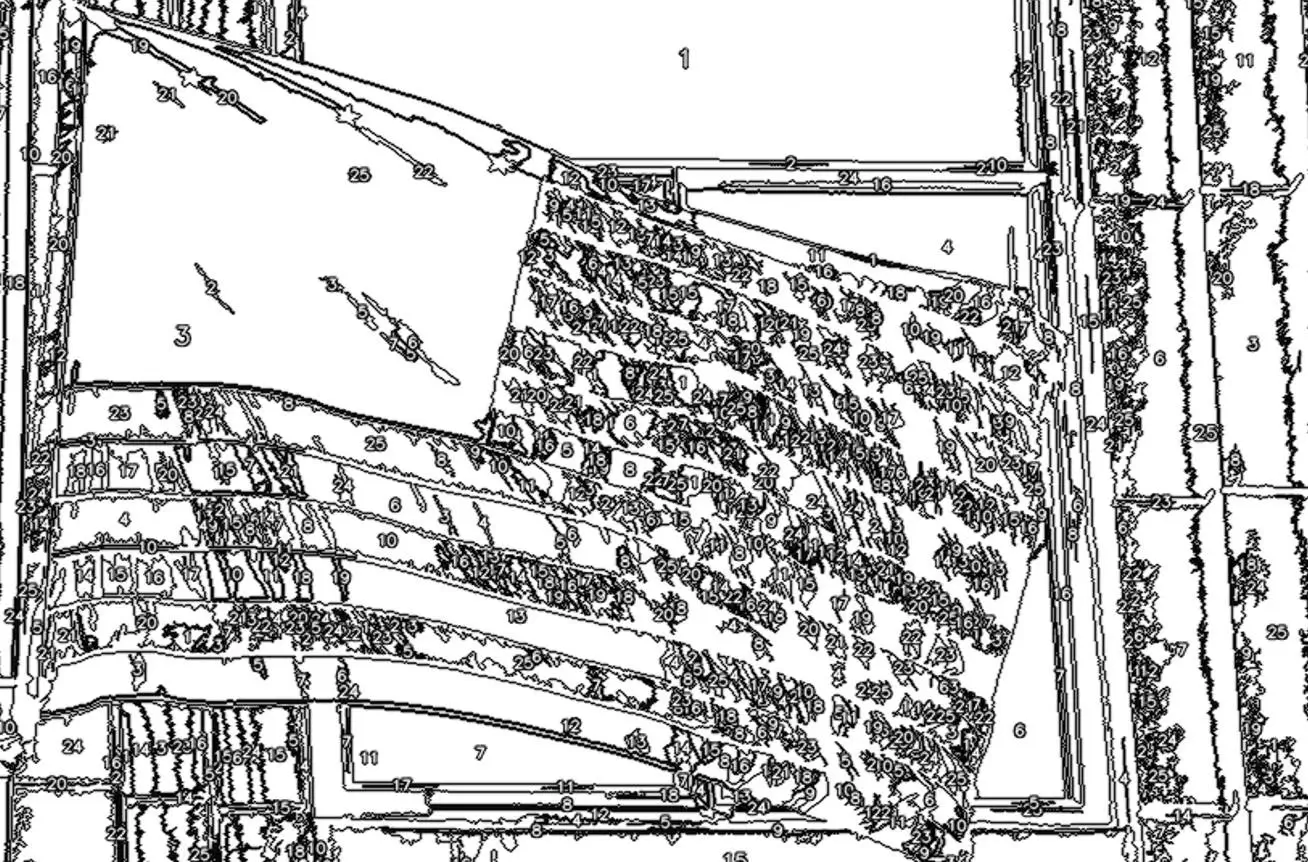
As is evident, even when selecting the 25-color option and setting all parameters to their minimum values, the result remains truly hideous—making digital coloring completely impossible.
Summarize
Among the four online tools for converting images into digital paint-by-numbers kits listed above, Paintmelike is the weakest option; the other three, however, function perfectly well.
PBNify offers fast conversion times—completing the process in about 10 seconds—but it does not allow users to select the number of colors used. Additionally, downloading the file requires entering an email address, as the finished product is delivered directly to your inbox.
ImgPBN is even faster, finishing conversions in approximately 5 seconds. It provides detailed color chart numbers and paint usage ratios, and allows for direct local downloads. After using the service 10 times, you simply need to enter your email address (no verification or registration required) to continue enjoying unlimited free access.
Davincified also offers relatively fast conversion speeds; based on my own testing, the process takes around 20 seconds, and files can be downloaded directly. However, it supports a maximum conversion palette of only 48 colors.